



/
Concepts
The ideas behind Fusion UI, and the rules all components follow.
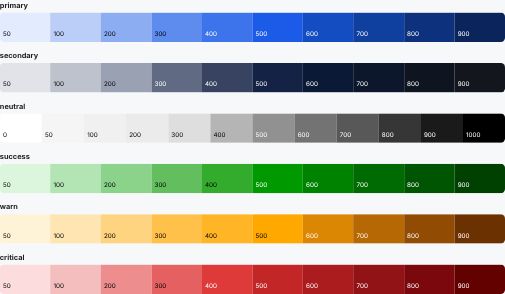
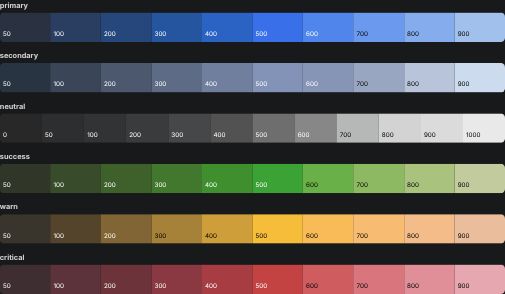
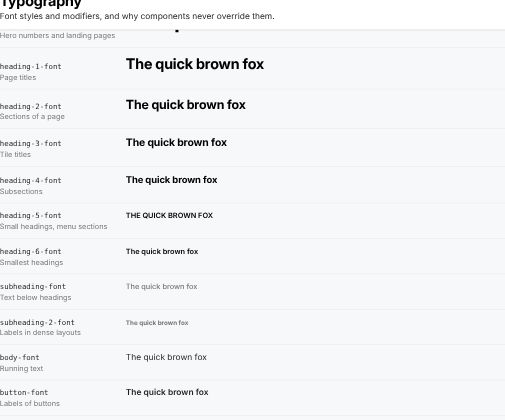
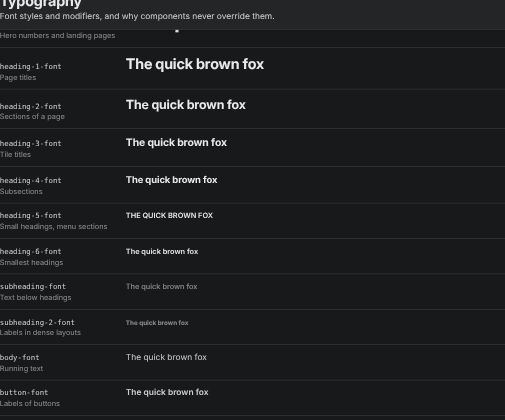
The foundations are the tokens every component is built from: colors, fonts, sizes and radii. The core concepts explain how components behave and fit together: on which surface they sit, how they react to interaction, how they nest and stack, how they move and how they adapt to touch screens. Knowing them makes your own components feel like part of the system.
Foundations
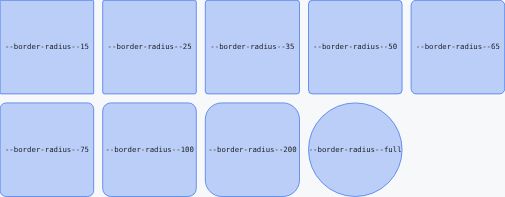
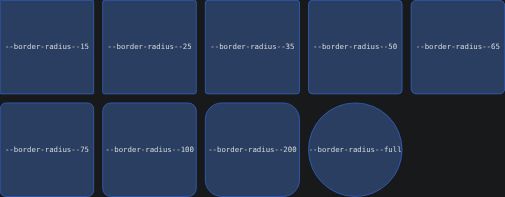
Core Concepts


Surfaces & ElevationBackdrop and elevated surfaces, the four elevations and what they mean.


StatesHover, focus, pressed, selected, activated, disabled and loading.


NestingPlacing surfaces, radii, spacing and menus inside each other.
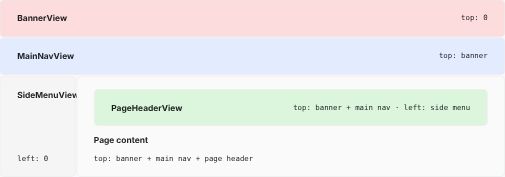
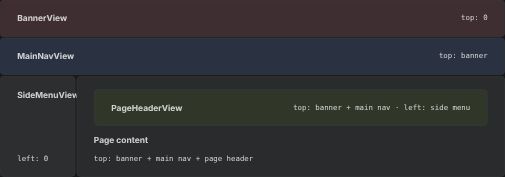
Views & OffsetsHow fixed views stack and how content keeps clear of them.
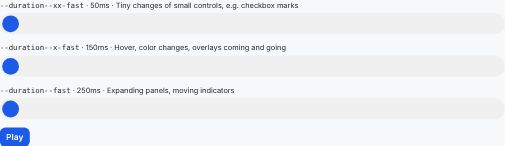
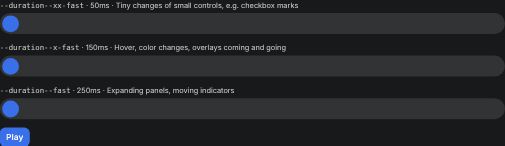
AnimationsDurations, easing, what moves and how reduced motion is respected.


Touch & MobileLayouts by viewport, interactions by pointer, and tap targets.